All Guides · 1.0
System Requirements — Casualties: Unknown (Steam, 2026)
Official Steam minimum specs for Casualties: Unknown on Windows 10: 64-bit OS, Core i3-8130U, 500 MB storage. Recommended section lists 64-bit only.
What PC do you need to run Casualties: Unknown?
You need a 64-bit Windows 10 machine at or above the Steam minimum CPU bar, with at least 500 MB free disk space. The official Steam store page does not publish recommended memory, graphics, or additional CPU detail—only the minimum table plus a one-line recommended note. This page mirrors that listing as of 2026-11-10; prices and discount text can change on Steam independently of specs.
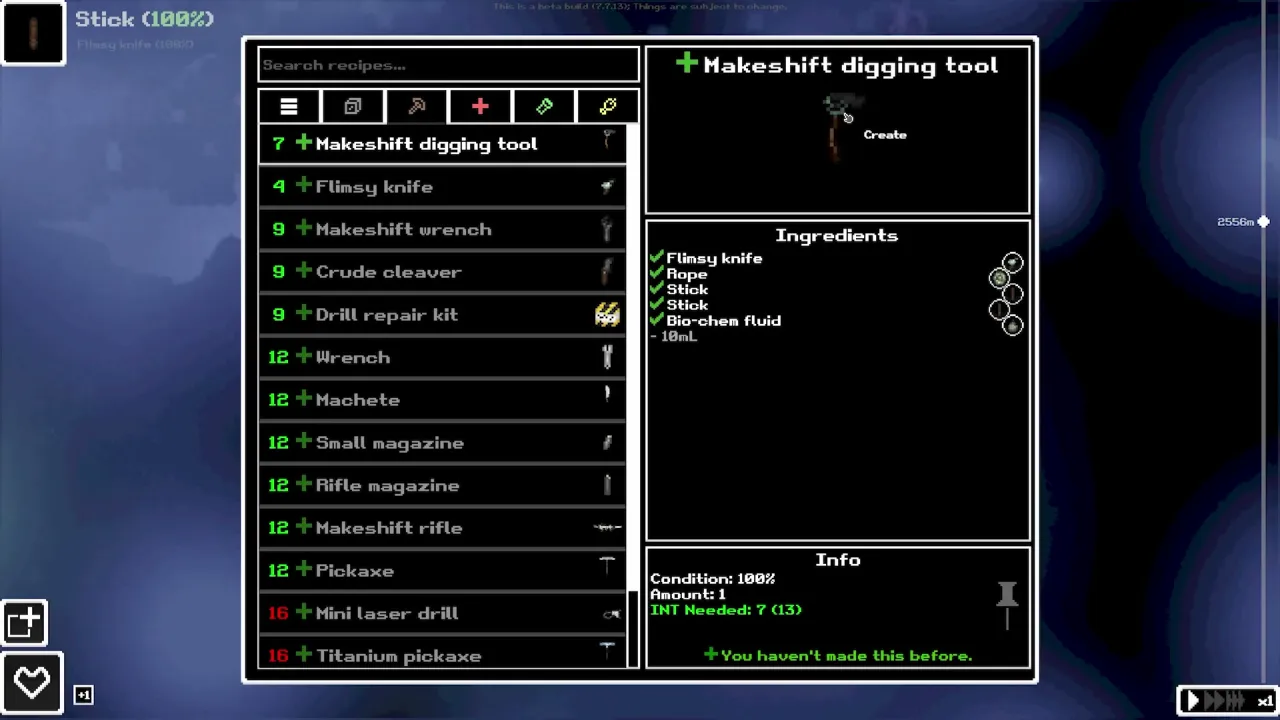
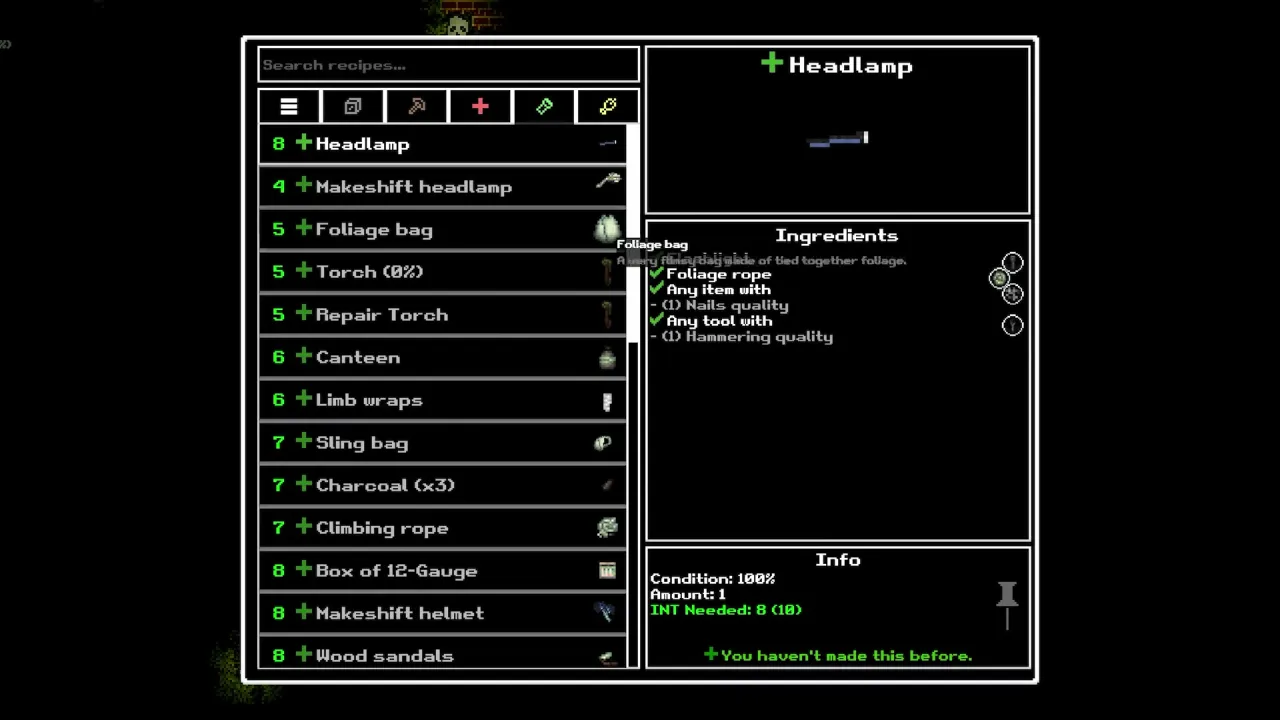
The game is a 2D cave survival sim with simulated injury systems and dense UI (health panels, crafting, inventory wheels in official media). Meeting the letter of the minimum spec does not guarantee smooth frame pacing on every ultrawide resolution; it means you pass the publisher’s stated floor.
What does the Steam store list for minimum requirements?
These fields are copied only from the Steam system requirements block checked on 2026-11-10:
| Requirement | Steam listing (2026-11-10) |
|---|---|
| OS | Windows 10 |
| Processor | Intel Core i3-8130U @ 2.20 GHz |
| Architecture | 64-bit processor and operating system |
| Storage | 500 MB available space |
| Additional notes | 16:9, 16:10, and ultrawide screens supported |
Steam’s public depot download size is larger than 500 MB in third-party mirrors of Valve data; the store requirement still says 500 MB. Plan extra free space for updates, saves, and OS overhead even if the requirement line stays at 500 MB.
What about recommended specs, RAM, and graphics?
Steam does not provide them on the store page we checked. The entire recommended section reads:
- Requires a 64-bit processor and operating system
Do not infer 8 GB RAM, integrated vs discrete GPU, or a “recommended” CPU from this wiki—we would be inventing numbers. If your card struggles, lower in-game resolution inside the client or use Steam’s per-game settings; those tweaks are general PC advice, not publisher requirements.
For how hardware stress relates to long cave sessions, see the beginner guide and how many layers pacing page—not because deeper layers demand unpublished GPU tiers, but because runs are long and UI-heavy.
Platform, languages, and Steam Deck status
| Topic | Steam store facts (2026-11-10) |
|---|---|
| Platforms | Windows (single-player, family sharing listed) |
| macOS / Linux | No system requirement blocks listed |
| Interface languages | English, Simplified Chinese |
| Audio / subtitles | Subtitles marked for both; full audio not marked |
| Steam Deck | Not shown in the fetched store requirements view; confirm on the live Steam page |
Third-party compatibility aggregators may show a Deck “Playable” label from Valve’s backend data, but this wiki sticks to the Steam store page text unless Valve surfaces Deck status there. If you play on Deck, verify controls and text size yourself—official Steam Deck test strings are not part of the public requirements table we copied.
How can you check if your PC is good enough?
- Open the Steam store page for Casualties: Unknown and expand System Requirements. Compare your Windows edition and CPU model to the minimum table above.
- Confirm 64-bit Windows — Press
Win + Pauseor Settings → System → About and verify “64-bit operating system.” A 32-bit install fails the stated requirement even on capable hardware. - Check free disk space — Ensure well above 500 MB free on the drive where Steam installs games; patches and Proton prefixes (if you use them on handhelds) consume extra space not listed on Steam.
- Try the free demo — Steam hosts a separate demo app (documented alongside the main game). It is described as covering early layers only, which is useful for performance and readability tests before you buy the full eleven-layer game.
- Smoke-test UI readability — Load the demo or game, open the health panel and inventory once, and confirm text and vitals are readable at your monitor aspect ratio (16:9, 16:10, or ultrawide—all named as supported in Steam’s additional notes).
Medical-heavy runs also reward reading medical guide clarity on your display size before you commit to a long session.
Sources checked
- https://store.steampowered.com/app/4576490/Casualties_Unknown/ (minimum/recommended requirements, languages, Windows-only listing)
- https://store.steampowered.com/app/4576510/Casualties_Unknown_Demo/ (demo availability for performance checks)
Last checked 2026-11-10 against the sources above, game version 1.0.
Screenshots and trailer frames: official Steam store page and trailers, © Orsoniks / Oro Interactive.
FAQ
What are the minimum PC specs on Steam?
What does Steam list for recommended specs?
Does Casualties: Unknown support macOS or Linux?
Which languages does the Steam build support?
Is there a Steam Deck compatibility badge on the store page?
Related Articles
guides
Casualties: Unknown Beginner Guide — Walkthrough & Controls
First-run priorities for Casualties: Unknown: tutorial, survival order, default controls from in-game training, and common mistakes to avoid.
guides
Console Commands — Sandbox, Cheats & How to Open the Console
Open the developer console with the backtick key, use the Training Sandbox, and see which commands are corroborated on two sources—type help for the live list.
guides
All Endings in Casualties: Unknown — Bio-pod, Escape, Mercenary
Casualties: Unknown has three endings on a full run: Bio-pod, Escape, and Mercenary. How they branch after layer 10 cargo and layer 11 ascent.
Was this helpful?
Thanks for the feedback!